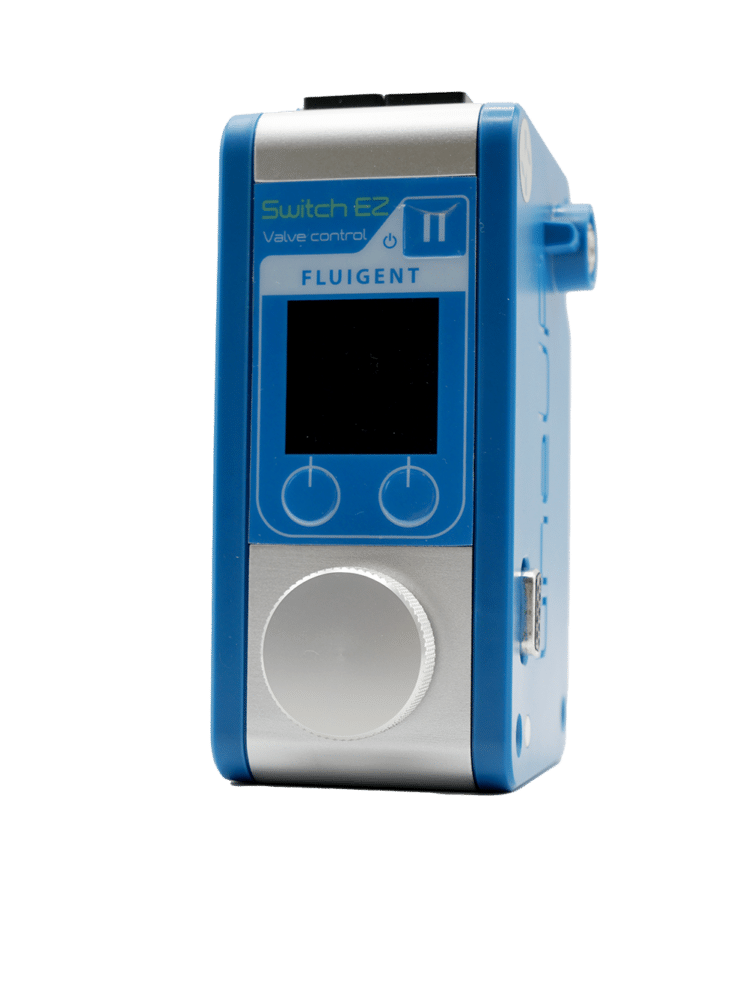
Straight forward set up & use
Microfluidic Software Control
[LU-LNK-0002]LINK
Our LineUp instruments can be controlled locally by the user, with no need for a computer. However, in some cases, using software can be advantageous as it offers more control options, automation, and a more user-friendly interface. For this reason, Fluigent has developed two microfluidic software control modules enabling a stable connection between the instrument and a computer.
The LineUp™ LINK enables connections between the LineUp™ system and a lab PC using USB communication. All LineUp™ series modules modules can be controlled using Fluigent Software Solutions and offer access to features such as custom integration, automation or graphical displays.

Main benefits
- Intuitive
- Compact
Uses minimum bench space
- Automation
Automate your protocols
- Versatile
Multiple connection types
Features of the LINK
Serial port or USB connection
The LINK modules allow for microfluidic software management of all LineUp instruments on common desktop operating systems including Windows, MacOS and Linux, using a serial port or a USB connection.
TTL communication
Two TTL ports let you send or receive signals to trigger events to or from compatible devices.
Sleep mode
Use the LINK button to power ON/OFF or put the entire chain in sleep mode.
LINK
Part of our LineUp Series
Pressure and vacuum control, flow rate control, microfluidic valve automation, and software control. Select and combine the modules you need from our range of LineUp™ products. Our devices have become the gold standard for microfluidic flow control over the years.
How to include the microfluidic software control module in your setup
To use the microfluidic software management module, simply connect it to any module or series of modules from the LineUp™ series using the plug & play feature. Up to 8 pressure controller modules can be connected in a chain. The LINK module is then connected to a PC via a USB or RS232 connection, as required, enabling the pressure controller to benefit from a full range of advanced functionalities from Fluigent’s software suite:
- MAT (Microfluidic Automation Tool) for sequence automation
- A-i-O (All-in-One) for monitoring and live control
- SDK (Software Development Kit) for developing custom applications
Once the experiment is over, simply press the power ON/OFF button on the module to put the whole pressure controller chain into sleep mode.
Depending on the needs of each experiment, the TTL connection sockets can be used to connect an accessory, such as a microscope, and synchronize its actions with the pressure-based flow controllers.
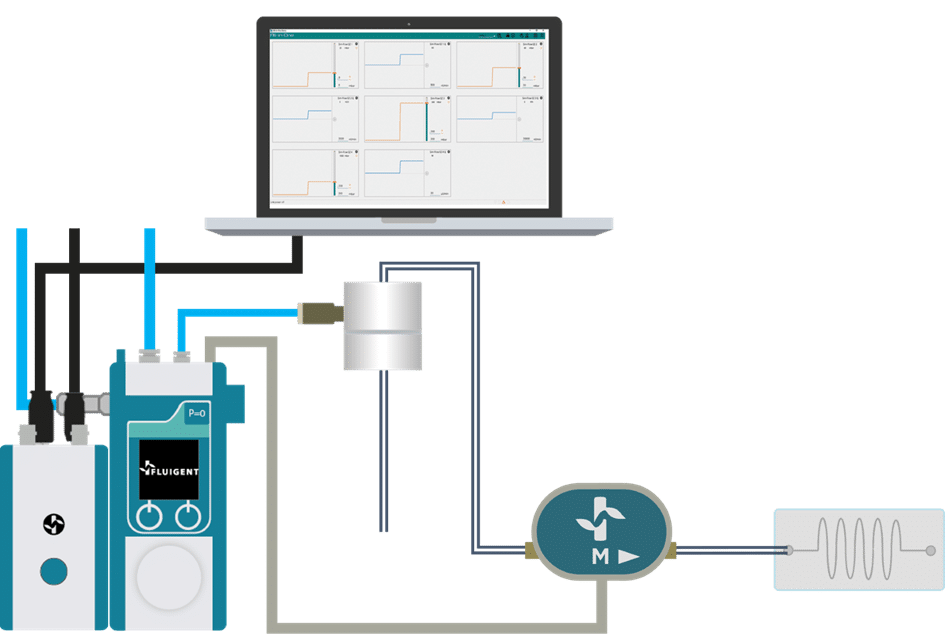
Focus on the microscope. No PC is required
Instead of looking at the PC, users can keep their eyes on the microscope, adjusting the control dial with one hand. In this stand-alone configuration, the device allows for pressure or flow rate control and volume dispense making it ideal for benchtop use.
Specifications
WEIGHT & DIMENSIONS
| Weight | 219 g |
| Dimensions | 80 x 85 x 55 cm |
ELECTRICAL SPECIFICATIONS
| Power Supply Voltage | 24 VDC |
| Alimentation port | Universal AC/DC Power Port |
| PC connection port | USB B (to connect to a PC via USB) |
OxyGEN
| USB | RS232 |
| Control in real-time, protocol automation, data record and export | / |
| ver. 2.2.0.0 or more recent | / |
Software Development Kit
| USB | RS232 |
| Custom software application | / |
| ver. 22.2.0.0 or more recent | / |
Firmware updater